Repository navigation
Keep focusable={false} Android text out of keyboard navigation - #59139
YevheniiKotyrlo wants to merge 2 commits into
Conversation


 meta-cla
Bot
added
the
CLA Signed
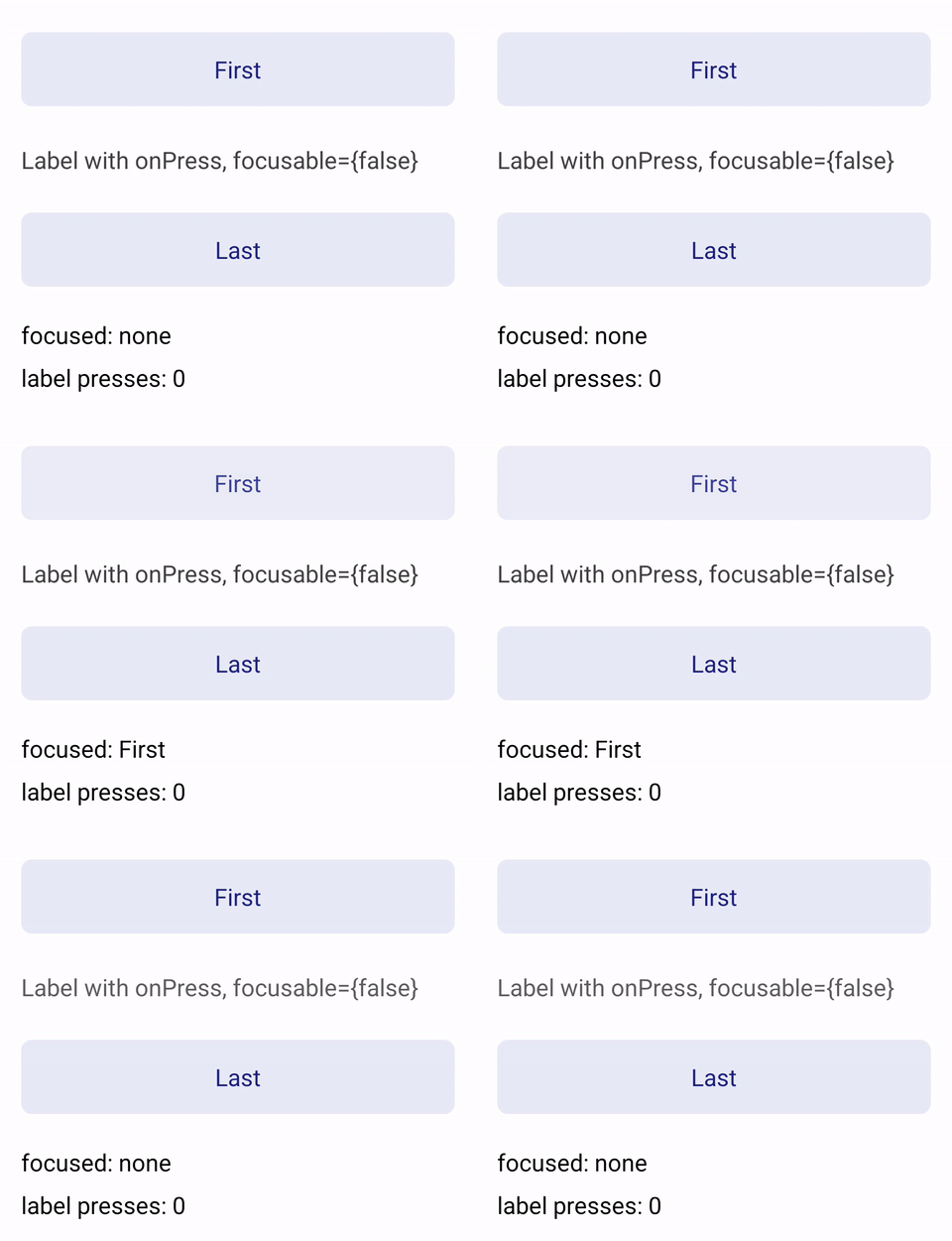
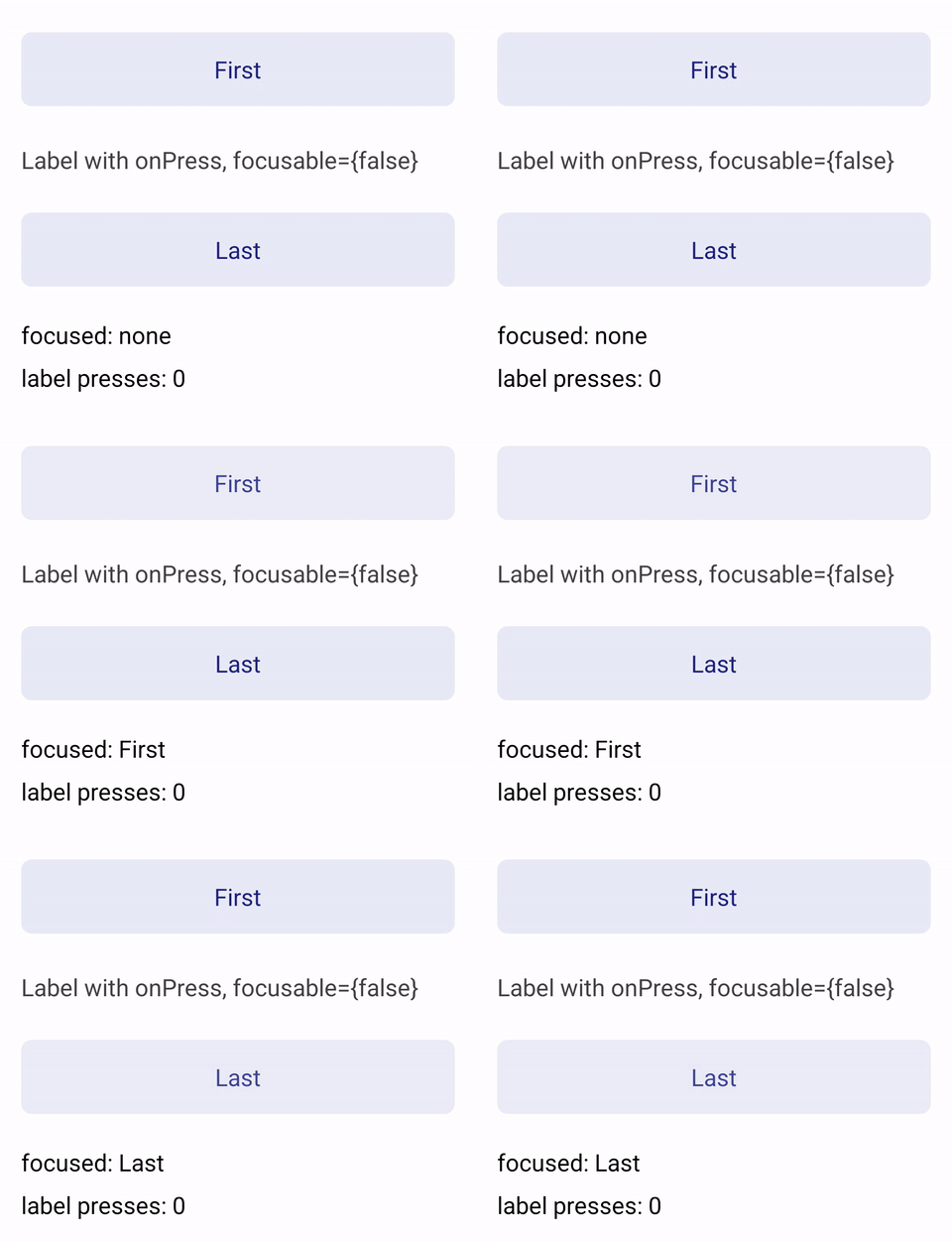
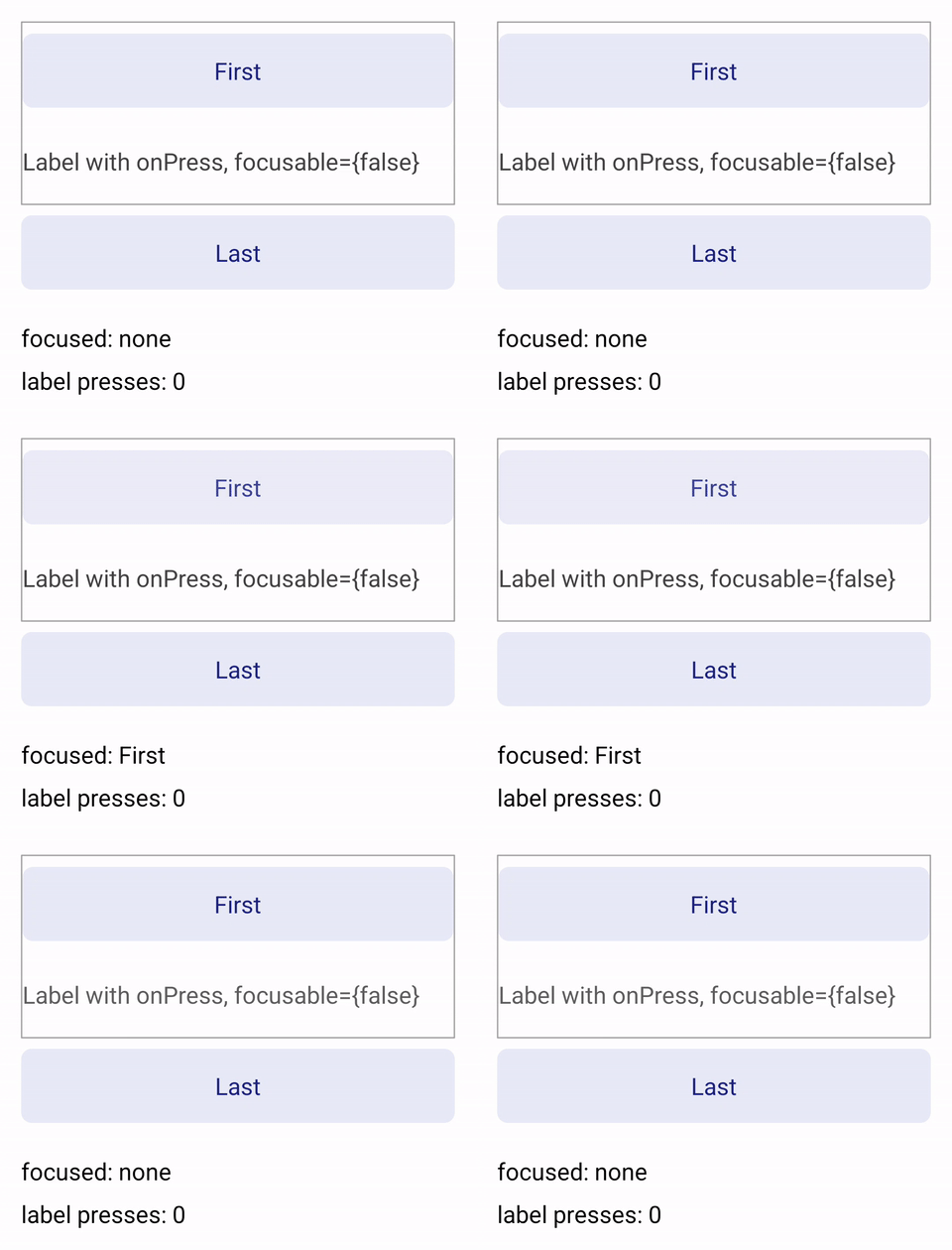
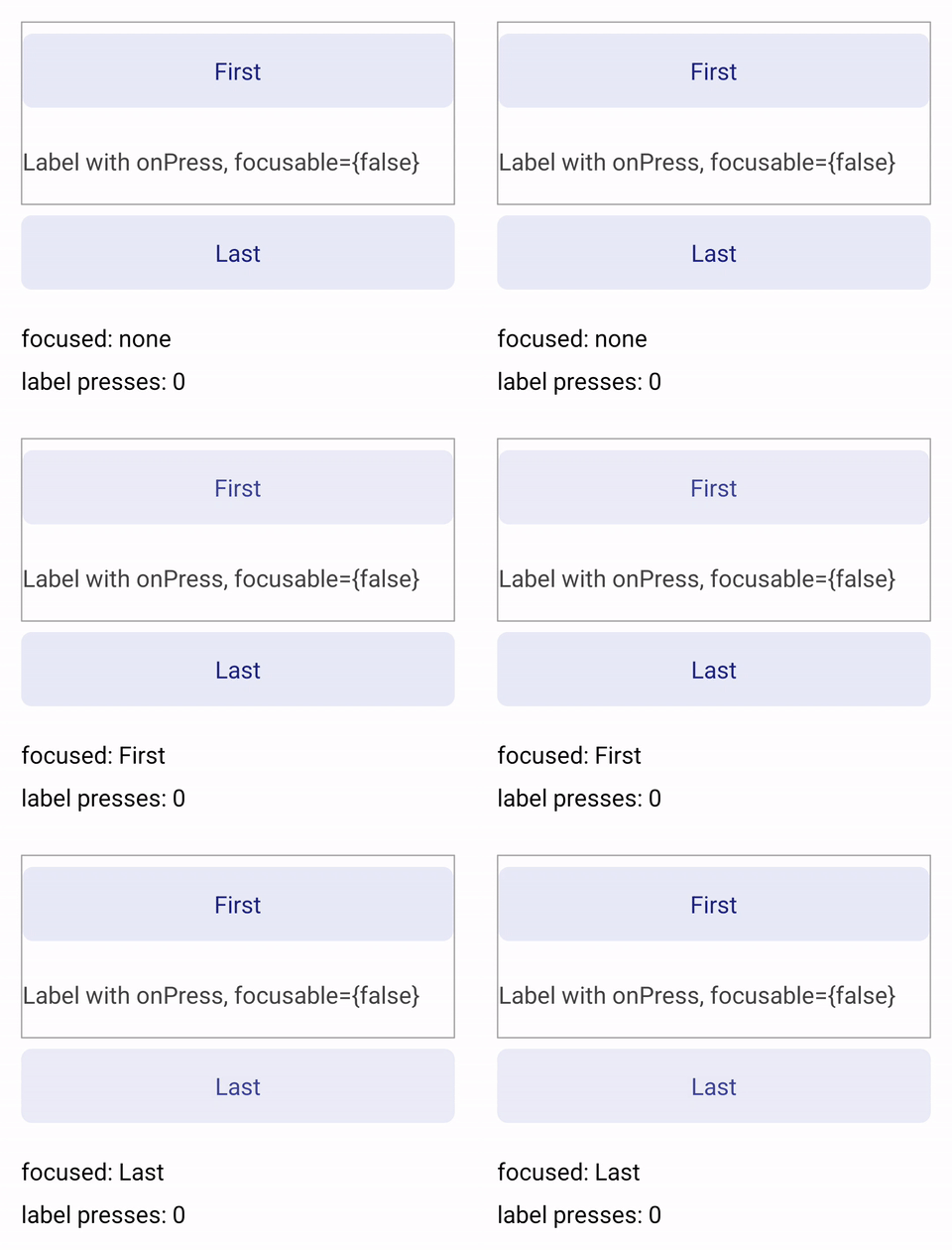
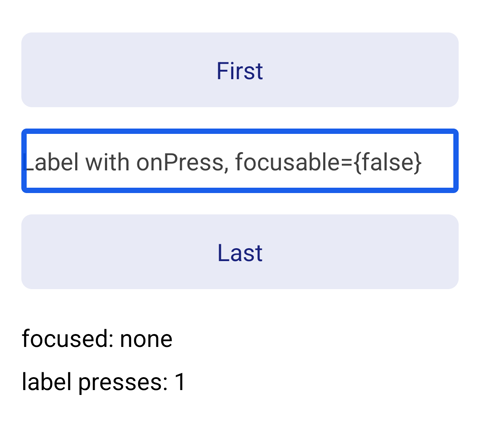
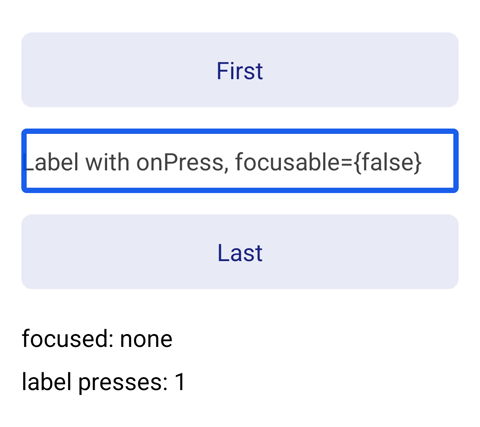
Device evidence — before / afterBefore — from touch mode, the first Tab focuses the After — the second Tab passes over the text to the
Screen recordings of RNTester arm64 release builds on a Galaxy S23 (Android 14), with Tab pressed twice from touch mode. The scene is two The scene is TalkBack — before / afterWith TalkBack on, exploring the text by touch puts the accessibility focus on it as one element, and a double-tap presses it (
|

|
Warning JavaScript API change detected This PR commits an update to
This change was flagged as: |

24eed2f to
91a4830
Compare

91a4830 to
9845b5e
Compare
isFocusable, the flag every Android keyboard path reads, carried
accessible: setAccessible set it so accessibility services treat the
view as one element, and setFocusable(false) left it alone. Tab, the
arrow keys, nextFocus*, default focus, cluster navigation and an
editor's IME Next all reached an accessible view given focusable={false}
or tabIndex={-1}.

isFocusable now follows focusable, and accessible while focusable is
unset. An accessible view that keyboard navigation passes over stays
one accessibility element through screenReaderFocusable, kept below
API 28 in a view tag and the node's extras, and is made important for
accessibility, which Android derives from screenReaderFocusable only
from API 35. As with a negative tabindex in HTML, ref.focus() still
focuses the view where enableImperativeFocus dispatches it, the view
leaves keyboard navigation once focus moves on, and there a View with an
explicit focusable={false} keeps its native view so the call reaches it.

ReactViewManager collects accessible, focusable, screenReaderFocusable
and importantForAccessibility, and ReactViewGroup applies them once per
transaction, so the order the props apply in no longer changes the
result. focusable is optional from HostPlatformViewProps to
setFocusable, so an explicit false reaches the view under Props 2.0
diffing and removing it returns the view to what accessible gives.
ReactAndroid.api gains the overrides this takes: ReactViewManager's
onAfterUpdateTransaction, setImportantForAccessibility and
setScreenReaderFocusable, and ReactViewGroup's onFocusChanged and
onInitializeAccessibilityNodeInfo.

On Android a View's KeyboardFocusable trait takes the same rule, while
other components and platforms keep main's, as their views do, and
FocusOrderingHelper takes its candidates from the trait alone.

While an accessibility order holds a view's focus, ReactViewGroup and
BaseViewManager.setScreenReaderFocusable write through
ReactAxOrderHelper.setFocusable and setScreenReaderFocusable, which keep
the value for the order to restore. The view with accessibilityOrder
records the views it holds and gives their focus back when its order
changes, when accessibility services turn off and when it is dropped,
which also drops its order, including a view that removeClippedSubviews
clipped out or that view flattening moved out of its subtree. A view
follows an order only while it is in that order's subtree, so the
order parent tag buildAxOrderList leaves on it needs no clearing.
ReactAxOrderHelper's public cleanUpAxOrder, restoreFocusability and
disableFocusForSubtree, which walked the order's current subtree, are
removed.
9845b5e to
086dcb0
Compare
A Text with onPress or onLongPress is accessible, so setAccessible made
it focusable, and a hardware keyboard's Tab, Shift+Tab and arrow keys
stopped on it. Text had no focusable prop to take it out, so a pressable
label between two inputs was always an extra keyboard stop.

The text view managers now collect accessible, focusable,
screenReaderFocusable and importantForAccessibility in the FocusProps
react#59048 gives View, and ReactTextView and PreparedLayoutTextView apply
them after each transaction: isFocusable follows focusable, and
accessible while focusable is unset, and an accessible text that
keyboard navigation passes over stays one accessibility element through
screenReaderFocusable. FocusProps gains applyTo and onFocusChanged,
which ReactViewGroup now calls in place of its own copy of them.

A selectable text stays focusable, and so does a ReactTextView whose
dataDetectorType detects links while focusable is unset, as TextView
keeps them. setTextIsSelectable, which ReactTextView calls on every
attach, and setMovementMethod rewrite the view's focusability, so
ReactTextView applies its focus props again after each.

On Android a Paragraph's KeyboardFocusable trait takes the same rule,
counting detected links only outside enablePreparedTextLayout, since
PreparedLayoutTextView detects none, so a scroll view's focus search,
which FocusOrderingHelper answers from that trait, agrees with the text
view. TextProps and the legacy Text types declare the prop; the base
view config already sends it.
ReactAndroid.api gains ReactTextView.onInitializeAccessibilityNodeInfo,
ReactTextViewManager.setFocusable, and ReactTextViewManager's
setImportantForAccessibility and setScreenReaderFocusable overrides.
086dcb0 to
81a882b
Compare
 facebook-github-tools
Bot
added
the
Shared with Meta

Summary:
On Android, a
TextwithonPressoronLongPressisaccessibleunless told otherwise, andsetAccessiblemakes it focusable, so Tab, Shift+Tab and the arrow keys of a hardware keyboard stop on it.Texthas nofocusableprop to take it out, so a pressable label above an input is always an extra Tab stop. #34737 asks for keyboard focus to be specified separately from screen-reader focus.This gives
Textthefocusableprop with the contract #59048 givesView. The text view managers collectaccessible,focusable,screenReaderFocusableandimportantForAccessibilityin #59048'sFocusProps, andReactTextViewandPreparedLayoutTextViewapply them after each transaction:isFocusablefollowsfocusable, andaccessiblewhilefocusableis unset, and an accessible text that keyboard navigation passes over stays one element for screen readers throughscreenReaderFocusable. Aselectabletext stays focusable, and so does aReactTextViewwhosedataDetectorTypedetects links whilefocusableis unset, asTextViewkeeps them.setTextIsSelectable, whichReactTextViewcalls on every attach, andsetMovementMethodrewrite the view's focusability, soReactTextViewapplies its focus props again after each.TextPropsand the legacy types declarefocusable; the base view config already sends it.On Android, #59048 makes a
View'sKeyboardFocusabletrait followfocusablebeforeaccessible, andFocusOrderingHelpertakes a scroll view's focus candidates from that trait alone.ParagraphShadowNodetakes the same rule afterselectableand, outsideenablePreparedTextLayout, detected links, so a scroll view's focus search agrees with the text view. This is stacked on #59048; only the last commit is new.Changelog:
[ANDROID] [ADDED] -
Textacceptsfocusable={false}, which takes an accessible text out of hardware-keyboard navigation while accessibility services still reach itTest Plan:
./gradlew :packages:react-native:ReactAndroid:testDebugUnitTest -PenableWarningsAsErrors=true --tests "com.facebook.react.views.text.ReactTextViewKeyboardFocusTest" --tests "com.facebook.react.views.text.PreparedLayoutTextViewKeyboardFocusTest": 101 tests on API 33, 34 and 35, below API 28 included, 0 failures. On Keep focusable={false} Android views out of keyboard navigation #59048 alone, 86 of them fail, each on its assertion; the 15 that pass arefocusable unset - keyboard focus follows accessiblein both classes and the threeReactTextViewcases for selectable and linked text whose behaviour this keeps.--testsfor each of the 17 unit test classes that name a changed class, among themReactViewFocusTest,ReactViewGroupTest,BaseViewManagerTest,ReactAccessibilityDelegateTestand the text view tests: 353 tests, 0 failures.ViewTest's paragraph cases,paragraphKeyboardFocusableTraitTakesFocusableThenAccessible,paragraphKeyboardFocusableTraitTakesLinksReactTextViewDetectsandparagraphKeyboardFocusableTraitIgnoresLinksPreparedLayoutTextViewDoesNotDetect, the last two withenablePreparedTextLayoutoff and on, are Android-only (#ifdef ANDROID, whichtest_react_common_cxx's host build compiles out). Built for arm64 Android and run on an Android 15 emulator, they pass with the rest ofViewTestandImperativeFocusViewTest.yarn build-types,yarn test-generated-typescript,yarn test-typescript-legacyandyarn flow-checkpass, ESLint passes onTextProps.jsand Prettier onTextProps.jsandText.d.ts,ReactNativeApi.d.tsis regenerated, and ktfmt, google-java-format and clang-format leave the changed files unchanged.-PenableWarningsAsErrors=true, of Keep focusable={false} Android views out of keyboard navigation #59048 alone and with this PR, on a Galaxy S23 (Android 14), recorded at086dcb00db, whose difference from this head reaches only selectable text and text that detects links: from touch mode, the second Tab lands on a pressableTextmarkedfocusable={false}without this PR and passes over it to the nextPressablewith it, in a plain view and in a scroll view. With TalkBack on, the text is one element on both builds, and a double-tap presses it.